Zero Based Budget Apps That Actually Keep You on Track
Zero-based budgeting gives every dollar a job before the month starts. Here's how the best apps make that system work without a finance degree.
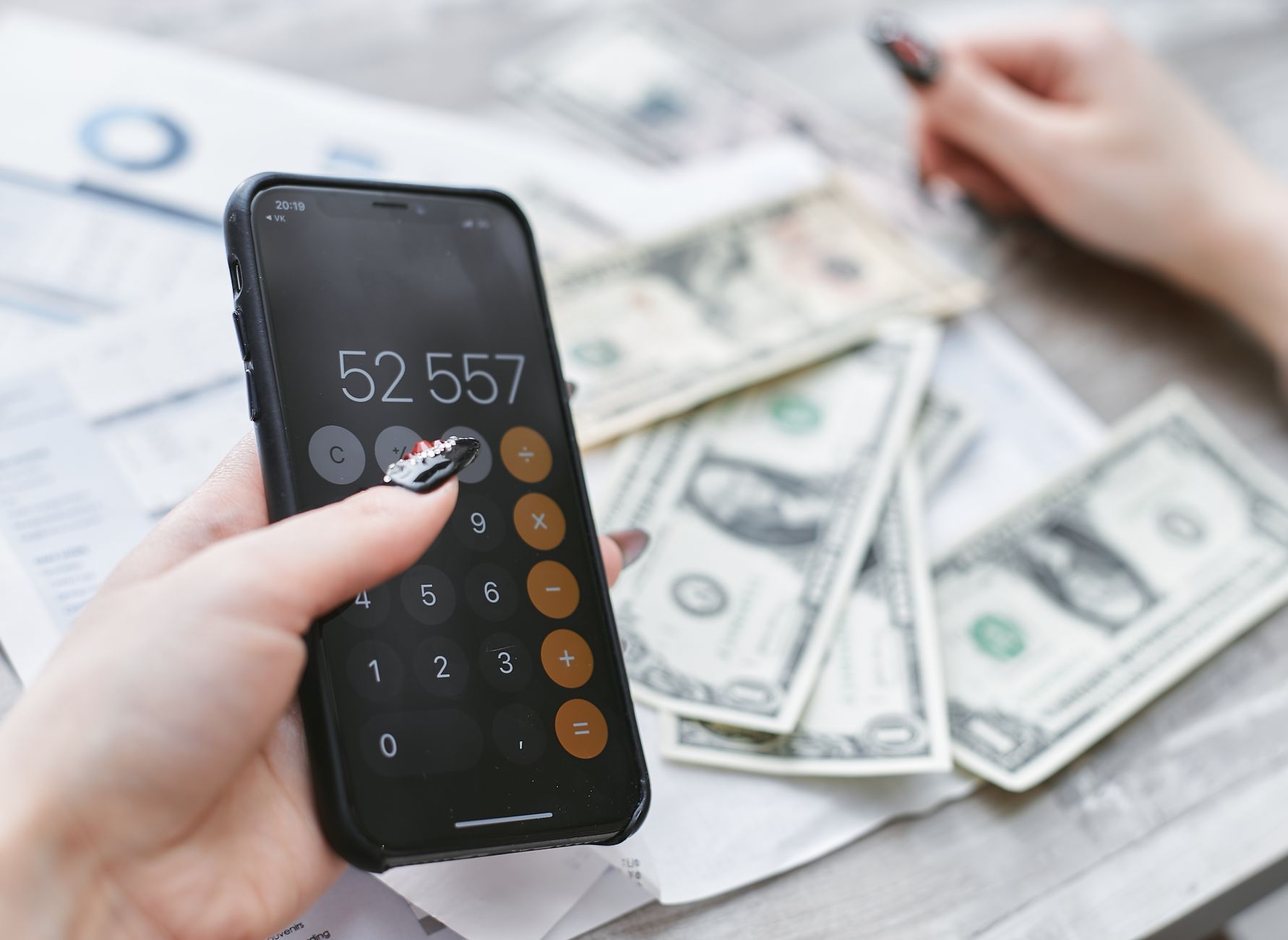
A zero-based budget is like a seating chart for your money. Every dollar has a chair, and "miscellaneous" is not a table.
That's the whole idea: income minus every assigned expense equals zero. Not because you've spent it all, but because every dollar has been told where to go before the month begins. Savings get a seat. Rent gets a seat. The $60 buffer for the month's surprises gets a seat. Nothing floats.
It sounds fussy. In practice, it's the only method that actually tells you the truth before the month does.
Why Zero-Based Budgeting Works Better Than Percentages
The popular percent-rule budgets (50% needs, 30% wants, 20% savings) make sense in a spreadsheet that doesn't know what rent costs in your city. If your rent alone eats 45% of take-home, that pie chart is fiction.
Zero-based budgeting doesn't care about percentages. It starts with your actual income this month and works forward from there. You assign money to categories until the balance hits zero. Whatever you chose to put in savings is now a named, funded commitment, not "whatever's left over."
And "whatever's left over" is how savings quietly dies.
What to Look for in a Zero Based Budget App
Not every app that calls itself a zero-based budgeting tool actually works that way. A few things worth checking before you commit:
- True envelope logic. Each category holds real money, and spending from one doesn't silently borrow from another.
- Mid-month editing. Life doesn't freeze on the 1st. You need to be able to move $30 from restaurants to groceries in thirty seconds, not thirty minutes.
- Bank connection that updates automatically. Manual entry is a noble hobby. It's also why most people quit by the 9th.
- A clear running total. You should see, at a glance, how much is left in each envelope without doing the math yourself.
- No noise. An app that sends a notification every time you buy a coffee will get muted, then deleted.
The Best Zero Based Budget Apps in 2026
Here's a practical breakdown of the main options, with honest trade-offs.
| App | Approach | Cost (roughly) | Best for |
|---|---|---|---|
| YNAB (You Need a Budget) | Classic zero-based, manual-first | ~$15/month or ~$99/year | People who want full control and don't mind the learning curve |
| EveryDollar | Dave Ramsey-flavored zero-based | Free tier; ~$18/month for bank sync | Ramsey fans, simple setup |
| Brenda | Zero-based with live bank sync and AI nudges | Free to start | People who want the system to work with real numbers, not in spite of them |
| Goodbudget | Envelope-based, no bank connection | Free (limited); ~$10/month | Couples who prefer to enter transactions manually together |
| Monarch Money | Budgeting plus net-worth tracking | ~$15/month | People who also want investment visibility in the same place |
A few honest notes on each:
YNAB has the most loyal community of any budgeting app for good reason. The method is solid. The price is real, and the interface takes a weekend to learn. If you're willing to invest the time, it rewards you.
EveryDollar's free tier doesn't sync to your bank. That's a meaningful limitation for anyone who doesn't want to type in every transaction.
Goodbudget is genuinely useful for couples who want to manage a shared budget without sharing a bank account. The manual entry is a feature for them, not a bug.
Monarch is worth considering if you want budgeting and investment tracking under one roof. It's more complex than a pure budgeting tool.
Brenda connects directly to your bank, assigns transactions to envelopes automatically, and flags when a category is running thin before you find out the hard way. The goal is a budget you actually look at, not one you rebuild from scratch each month.
How to Set Up a Zero-Based Budget in Five Steps
Whether you use an app or a spreadsheet, the process is the same.
-
Write down this month's take-home income. Not gross, not "about." The number that actually lands in your account.
-
List every fixed expense with its real amount. Rent, car payment, insurance, subscriptions. A C+R Research survey found people guess they spend about $86 a month on subscriptions when the actual average is closer to $219. Don't guess. Pull up your bank statement.
-
Assign money to variable categories. Groceries, gas, dining, clothing. Use last month's actuals as a starting point, then adjust for anything you know is coming.
-
Fund your savings goals explicitly. Name them. "Emergency fund top-up: $100" is a real category. "Savings" with no amount attached is a wish.
-
Check that income minus all categories equals zero. If you have money left, assign it somewhere. If you're over, cut something now, not after you've overspent.
That last step is the one most people skip. They leave a $200 buffer sitting unassigned and wonder where it went on the 22nd.
The Moment a Zero-Based Budget Pays Off
We hear a version of this story regularly. A couple builds a careful budget on the 1st. One grocery overrun, one last-minute gift, one "we'll fix it next month" later, and by the 9th the whole thing is abandoned.
The budget didn't fail because they lacked discipline. It failed because there was no way to adjust it without starting over. The version that finally worked was one they could edit in the store, in thirty seconds, while one of them was still holding a bag of apples.
That's the core feature to demand from any zero-based budget app: fast re-balancing. Overspent on groceries by $40? Pull $40 from the dining-out envelope and move on. The month isn't ruined. It's just re-planned.
One More Thing Worth Knowing
Zero-based budgeting gets a reputation for being rigid. It's actually the opposite. A percent rule is rigid because it doesn't know your life. A zero-based budget bends around your actual income, your actual rent, and your actual priorities for this specific month.
The rigidity people feel is usually from apps that make editing too painful. If changing one category takes four taps and a confirmation screen, you'll stop doing it.
Pick the app that makes editing frictionless. That's the one you'll still be using in October.
Your Move This Week
Pull up last month's bank statement. Add up every subscription and recurring charge. Compare that number to what you thought you were spending. Then open one of the apps above and assign this month's income before you spend another dollar of it.
That's it. The budget doesn't need to be perfect. It needs to exist.
Read less about money.
Do more with it.
Brenda drafts your budget, reads the receipts, and tells you the truth, kindly. Free on iOS and Android.